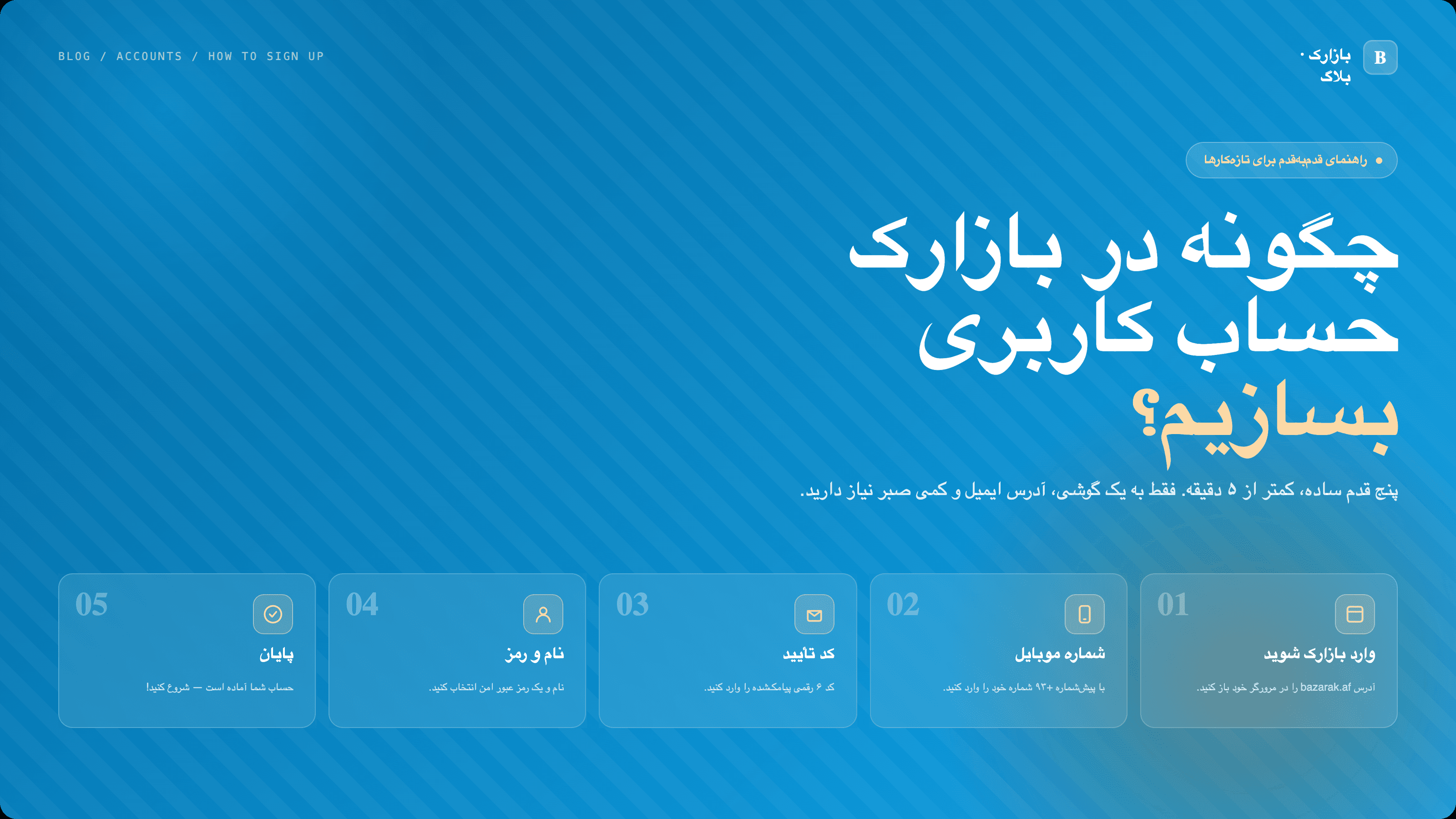
How to create a Bazarak account — a step-by-step guide for beginners
Aلیکوال: Ali Ahmad··
Never created an online account before? No problem. This guide walks you through signing up on Bazarak in five simple steps — with screenshots, common problems, and what to do next.
How to create a Bazarak account
If you've never created an account on a website before, don't worry. Signing up on Bazarak takes only a few minutes. This step-by-step guide explains everything in simple language.
What you'll need:
A phone or computer with internet access
An email address you can access (Gmail, Yahoo, etc.)
About 3–5 minutes
Step 1 — Open the Bazarak website
In your browser (Chrome, Safari, etc.), type:
bazarak.af
When the page opens, you'll see a button at the top that says or . Click it.
"Sign up"
"Create account"
💡 Can't find the button? Tap the three lines (☰) in the corner. The menu opens and you'll see "Sign up".
Step 2 — Fill in your details
A form appears with several fields. Fill them in one by one:
First name
Your given name, e.g. Ahmad or Zahra.
This will appear on your profile and listings.
Last name
Your family name. This field is optional — leave it blank if you prefer.
⚠️ Important: Use an email you can actually access. We'll send you a code in step 4.
Password
This is the most important part. Your password must be strong so no one else can log into your account. It must:
✅ Be at least 8 characters long
✅ Contain a capital English letter (A–Z)
✅ Contain a lowercase English letter (a–z)
✅ Contain a number (0–9)
✅ Contain a special character like !, @, #, or $
Example of a good password:
Kabul2026!
Examples of weak passwords (rejected):
12345678
ahmad
password
💡 Important tip: Write your password down somewhere safe (a small notebook or your phone's Notes app). If you forget it, you won't be able to log in.
Step 3 — Confirm you're not a robot
At the bottom of the form, you'll see a small box that says:
"I'm not a robot"
Tap it. You may need to wait a few seconds for a green checkmark (✓) to appear. This is a security check to make sure you're a real person, not an automated program.
Then click the blue "Sign up" button.
Step 4 — Verify your email
Congratulations! Your account is almost ready. Now you need to prove the email belongs to you.
What to do
Open your email app (Gmail, Yahoo Mail, etc.).
Look for an email from Bazarak, with a subject like:
"Verify your Bazarak email"
Open it. You'll see a 6-digit code, like:
482 519
Go back to the Bazarak page. There's a box waiting for the code.
Enter the code and click "Verify".
⚠️ Can't find the email?
Wait 2–3 minutes — sometimes email arrives with a delay.
Check your Spam or Junk folder.
Make sure you typed your email correctly in step 2.
On the Bazarak page, click "Resend code" (available after 60 seconds).
Step 5 — Sign in to your account
If you entered the code correctly, you'll be taken to the Bazarak dashboard. From here you can:
✏️ Post a new listing — Got something to sell? Publish it now.
🔍 Browse other listings — Looking for a car, house, or phone?
👤 Complete your profile — Add a photo, set your city.
Faster way: Sign up with Google
If you have a Google (Gmail) account and want to skip the steps above:
On the sign-up page, click "Continue with Google".
Select your Google account.
Click "Allow".
Done. No need to enter email, password, or verification code. This is the fastest way to create an account.
Common problems
"This email is already registered"
You (or someone) already created an account with this email. Click "Sign in" instead. If you forgot the password, choose "Forgot password".
"Your password is not strong enough"
Go back to the password rules (in step 2) and make sure you meet all of them. Green checkmarks (✓) should appear next to each rule.
"Code has expired"
Verification codes are only valid for a short time. Click "Resend code" to get a new one.
"Page won't load"
Check your internet connection.
Refresh the page (tap the 🔄 icon or pull down from the top).
If it still doesn't work, try again in a few minutes.
What's next?
If you've just created your account, we recommend reading these next:
📖 How to write a good listing — sell faster.
📖 How to avoid scams when shopping online — buy safely.